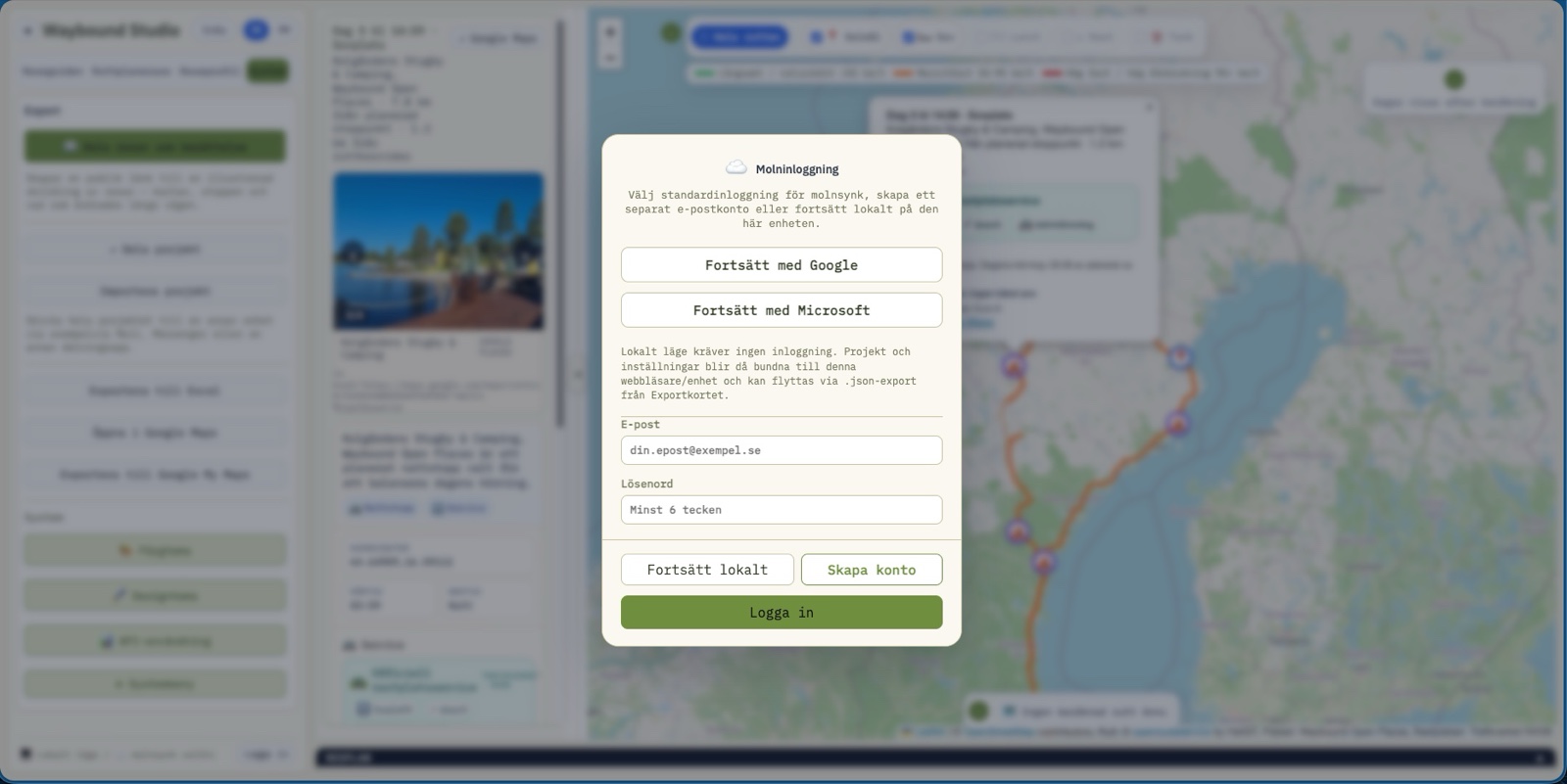
Cloud login
Google, Microsoft, account or local mode — the user chooses sync and ownership level.
Waybound Studio
The whole suite, visually. Start inside Route Planner's interface – click the key areas to see how projects, map, guidance, analysis and export fit together – then carry on through all nine modules.
Interactive UI map
An interactive demo where screenshots are explained in context, not just shown.

Scan the QR code for direct access to the production site on mobile or tablet.
Open Waybound Studio on mobile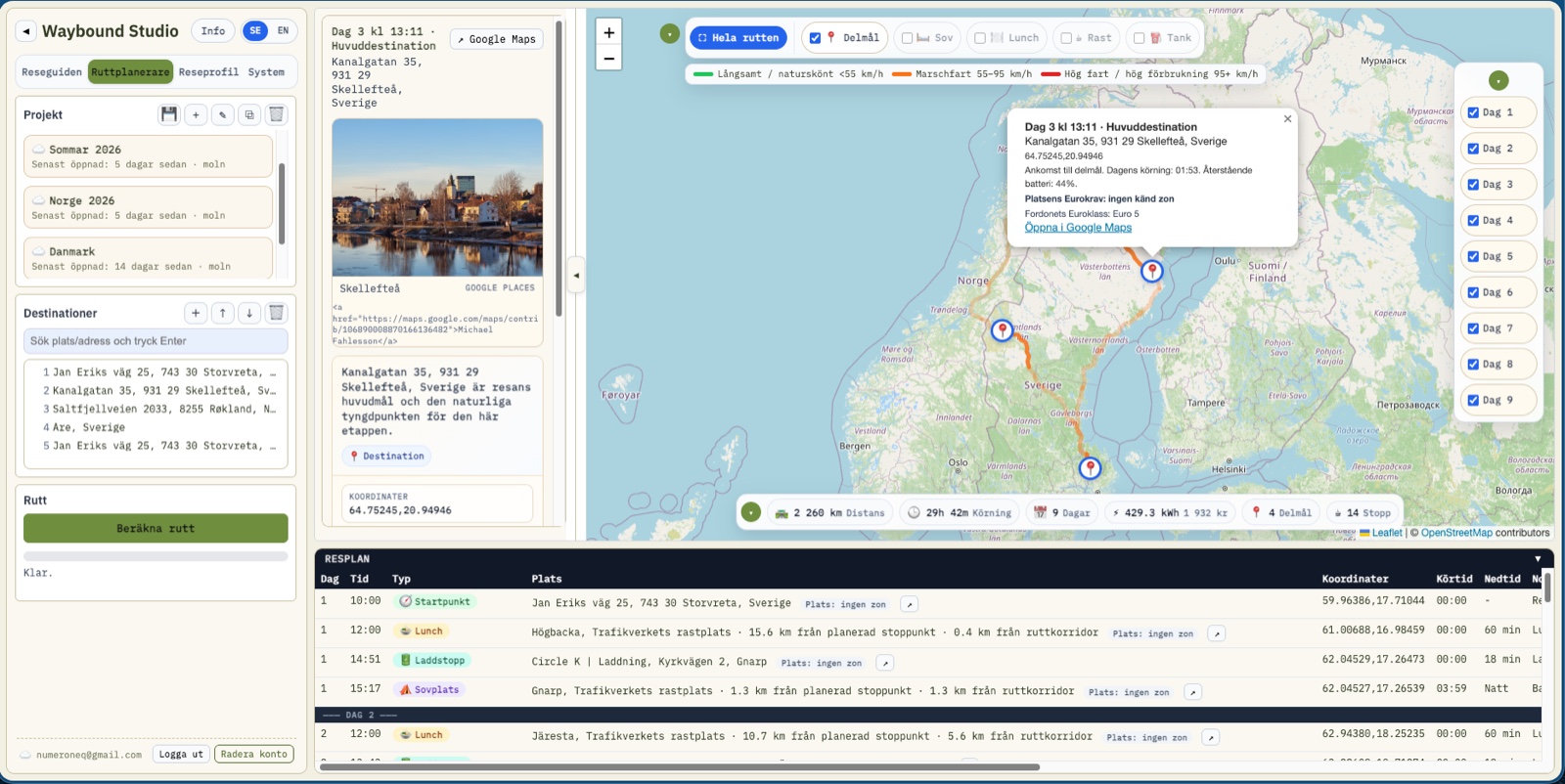
Google, Microsoft, account or local mode — the user chooses sync and ownership level.
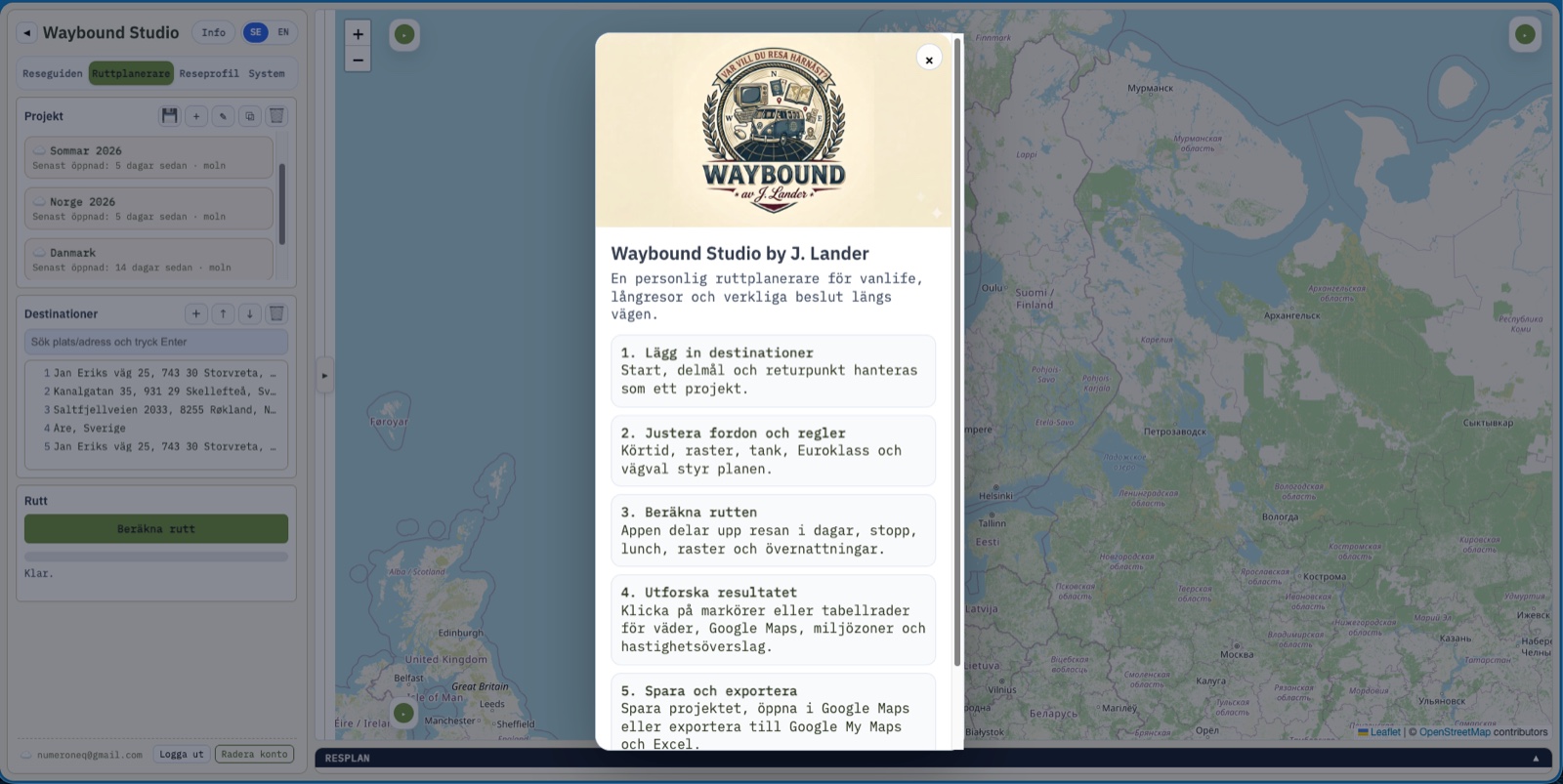
The information dialog keeps first-run guidance close to the interface.
Projects, destinations, map, days and itinerary stay in one workspace.
Nine modules that build on each other: the idea before you leave, the plan, the companions on the road and the story afterwards. Click a module to see it in detail.
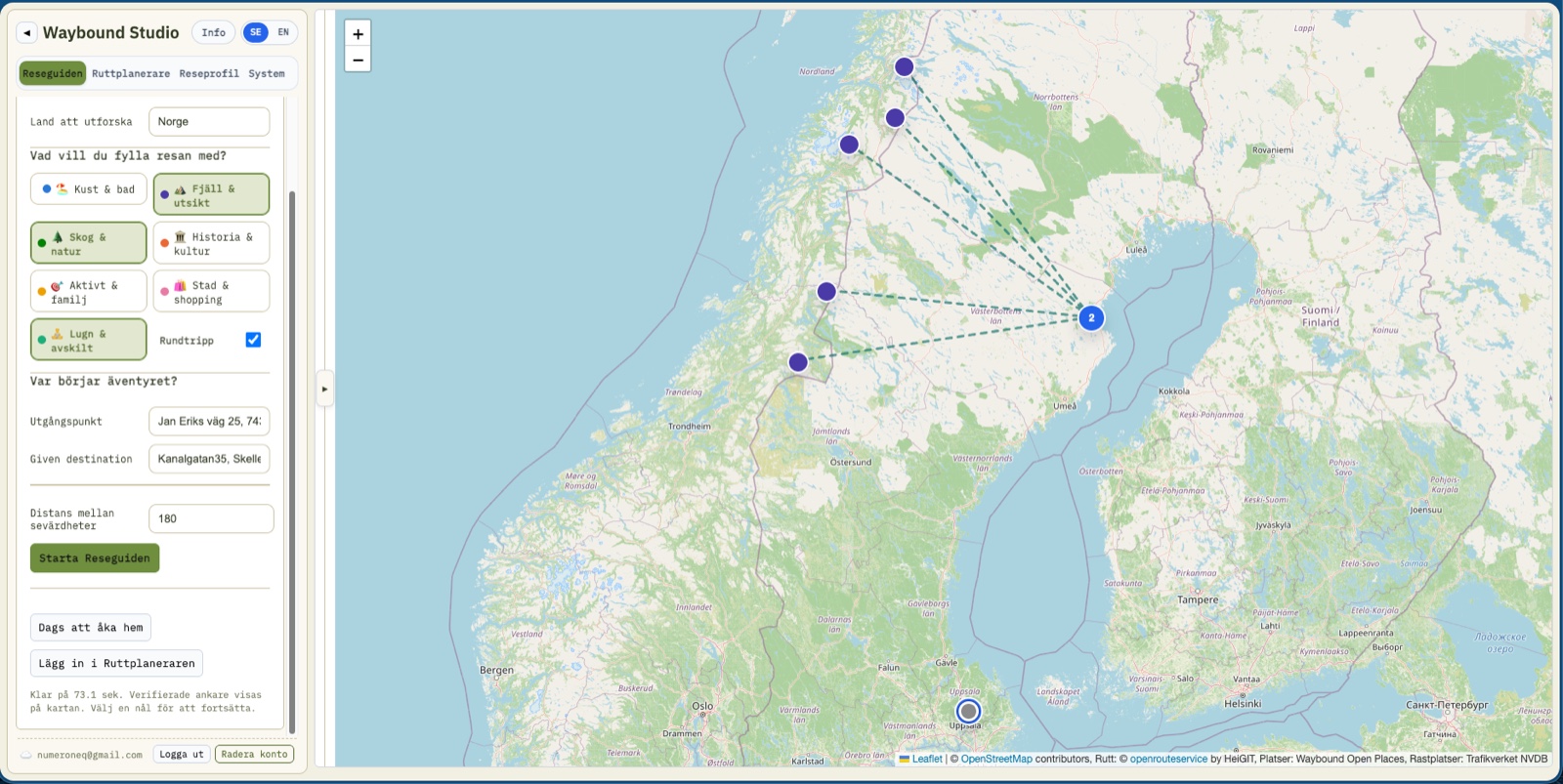
Tell us what you're craving. We'll suggest where that takes you.
The journey, day by day — not just A to B.
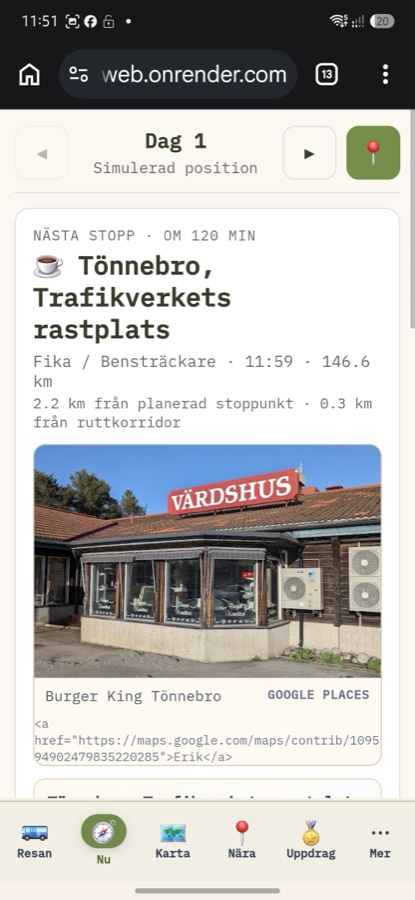
Five questions are all you need on the road.
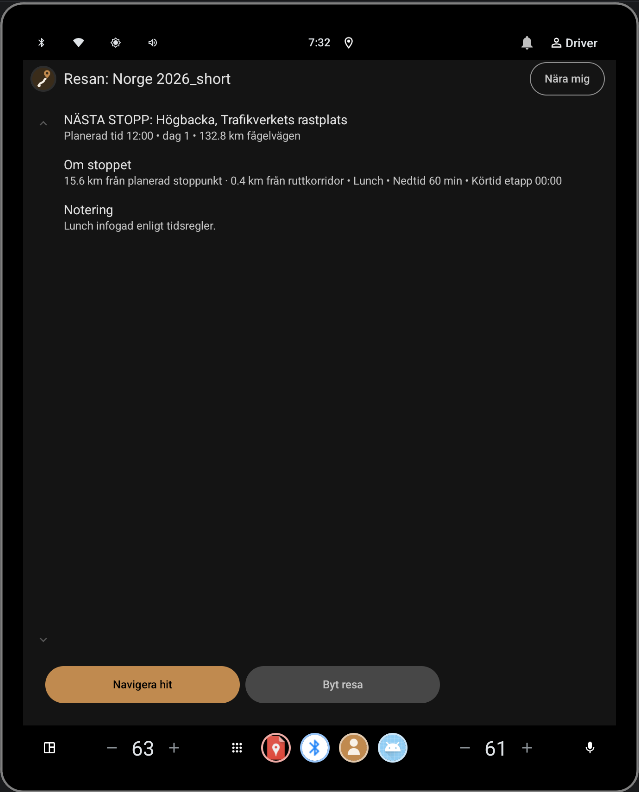
The same companion, on the car's own screen.
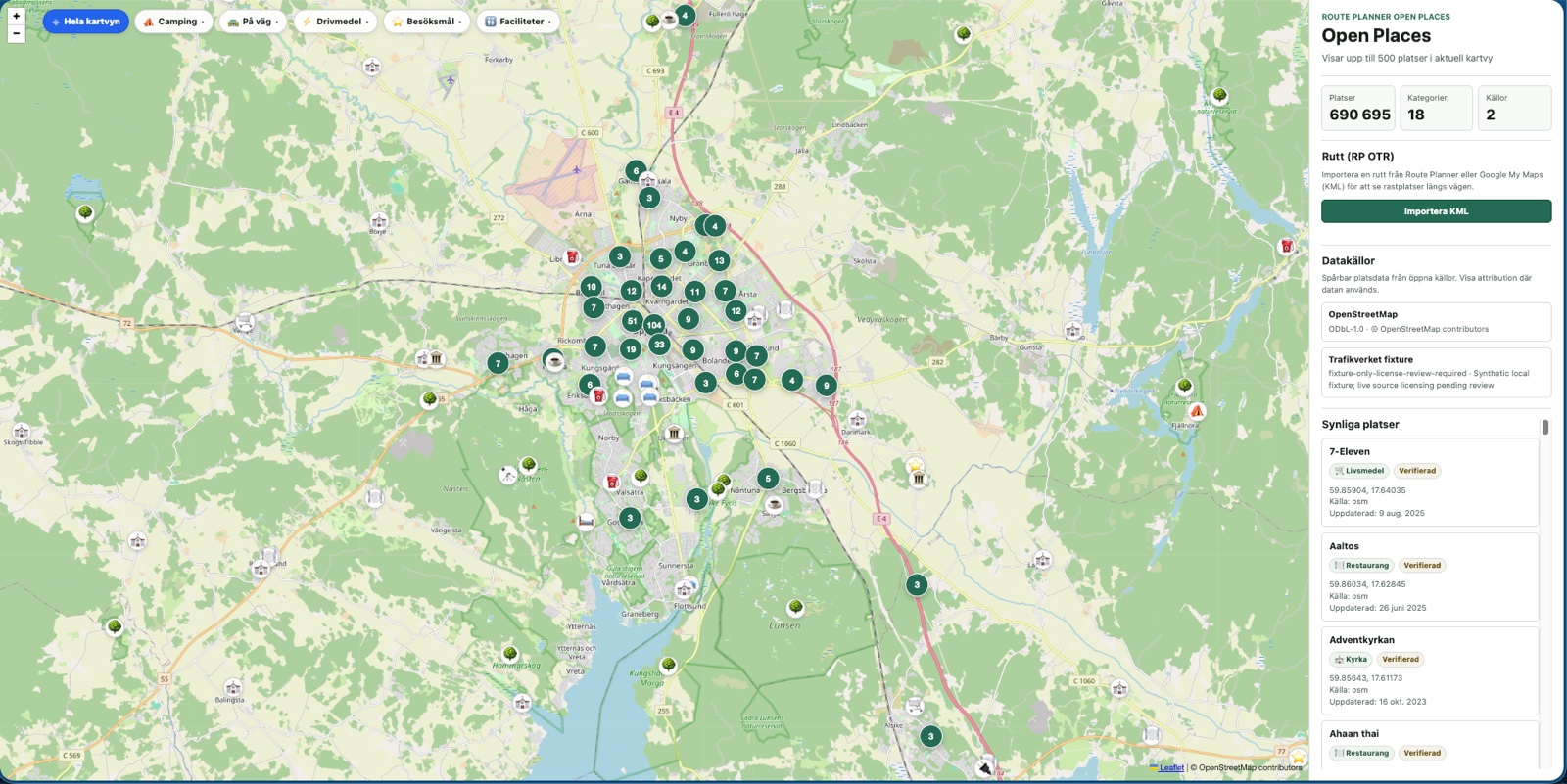
690,000+ open places, with origins you can trace.
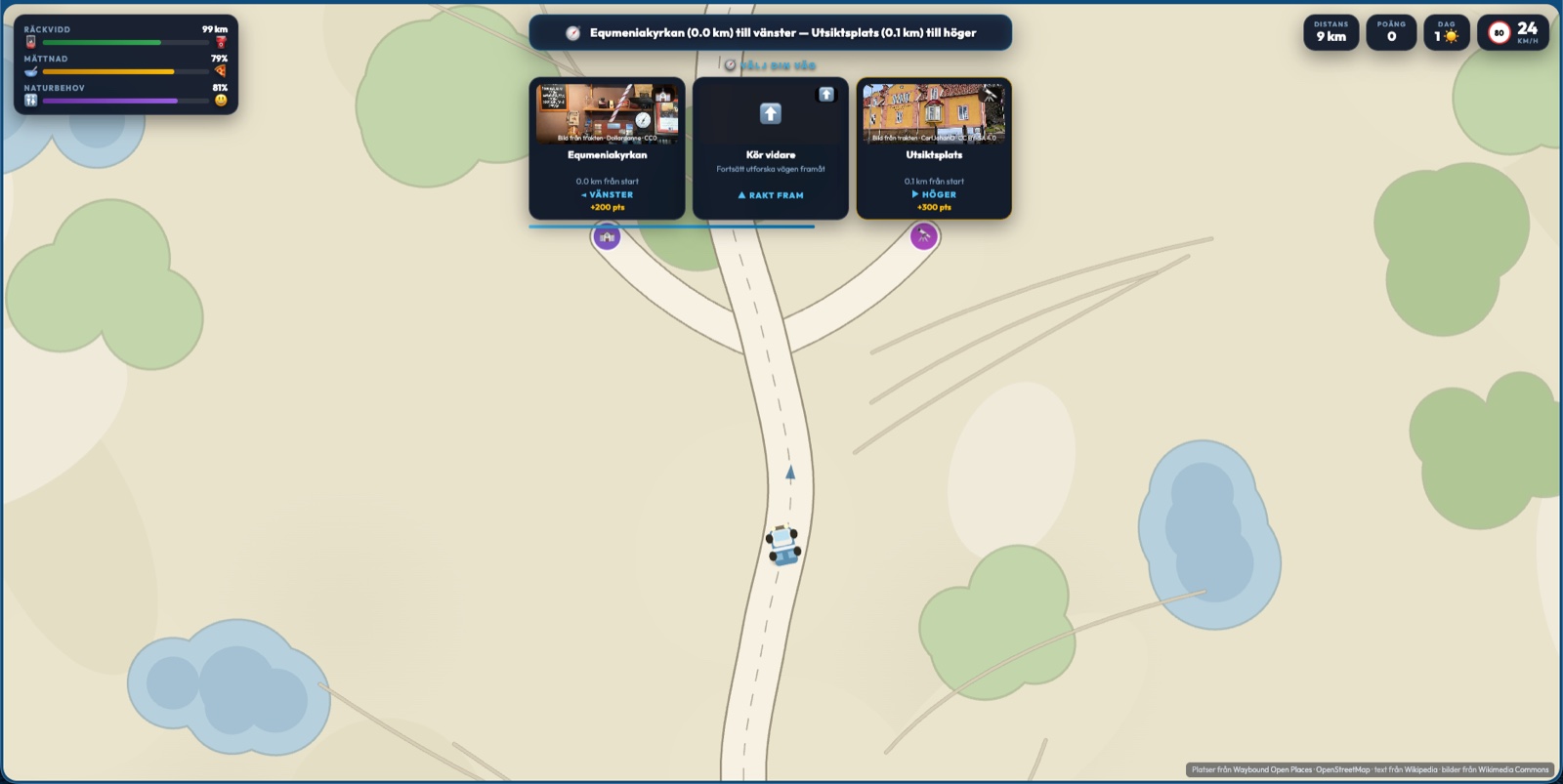
While you queue for the bathroom, the next discovery is waiting.
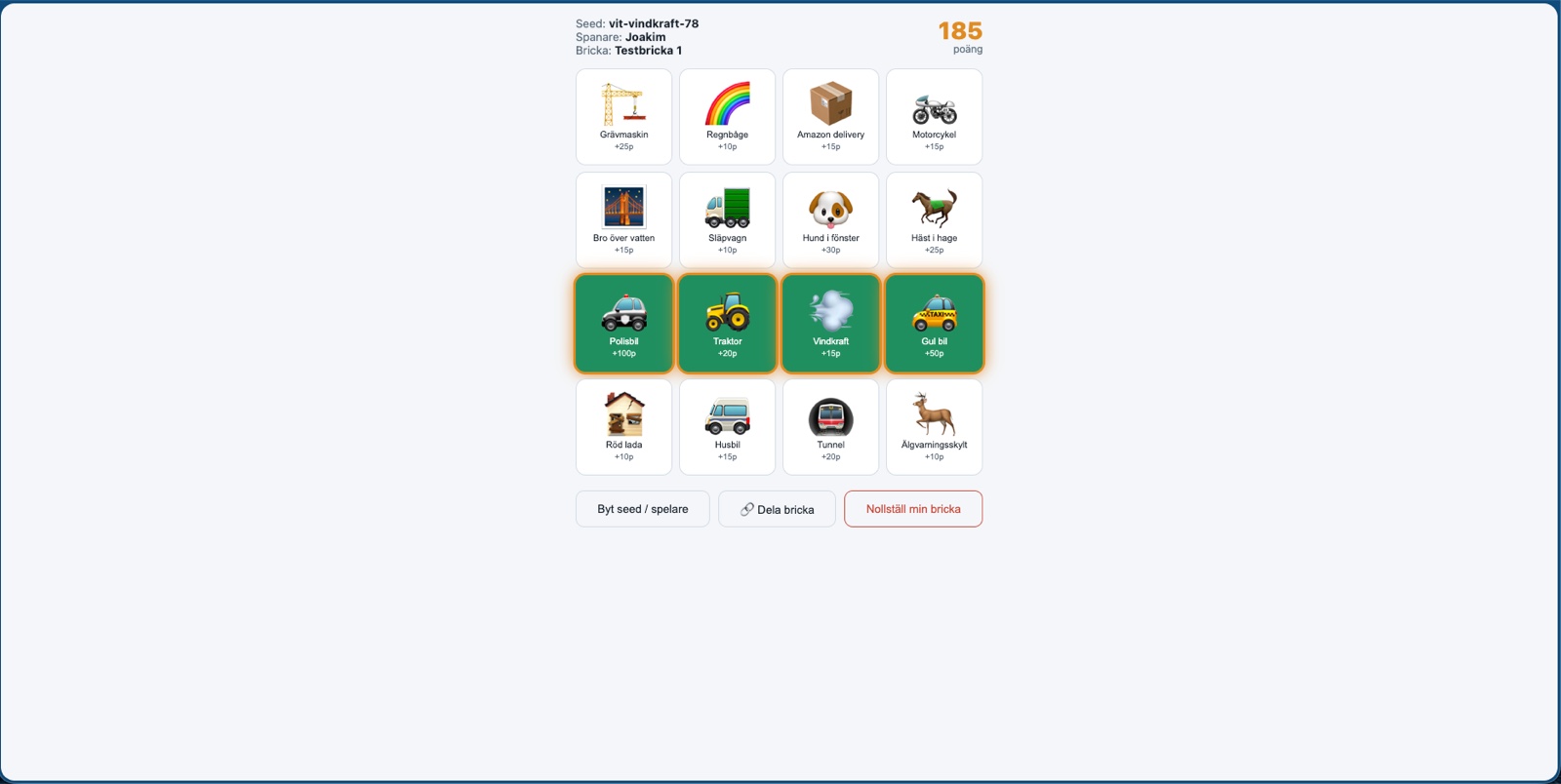
Get the back seat looking out the window again.
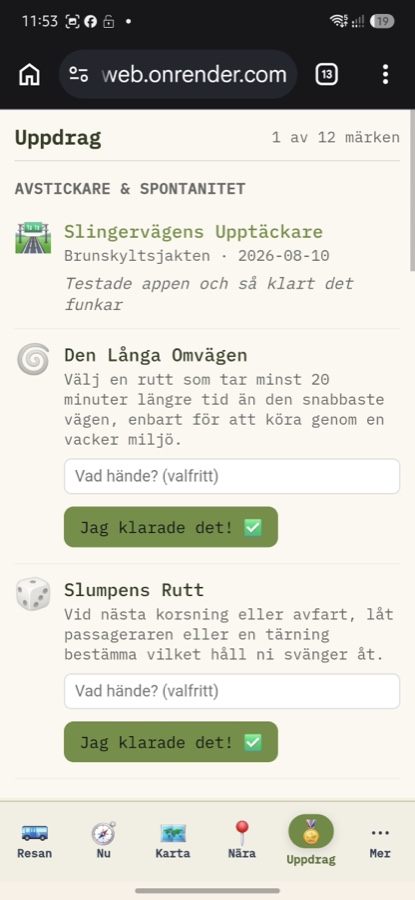
Honor badges for the detour you took anyway.
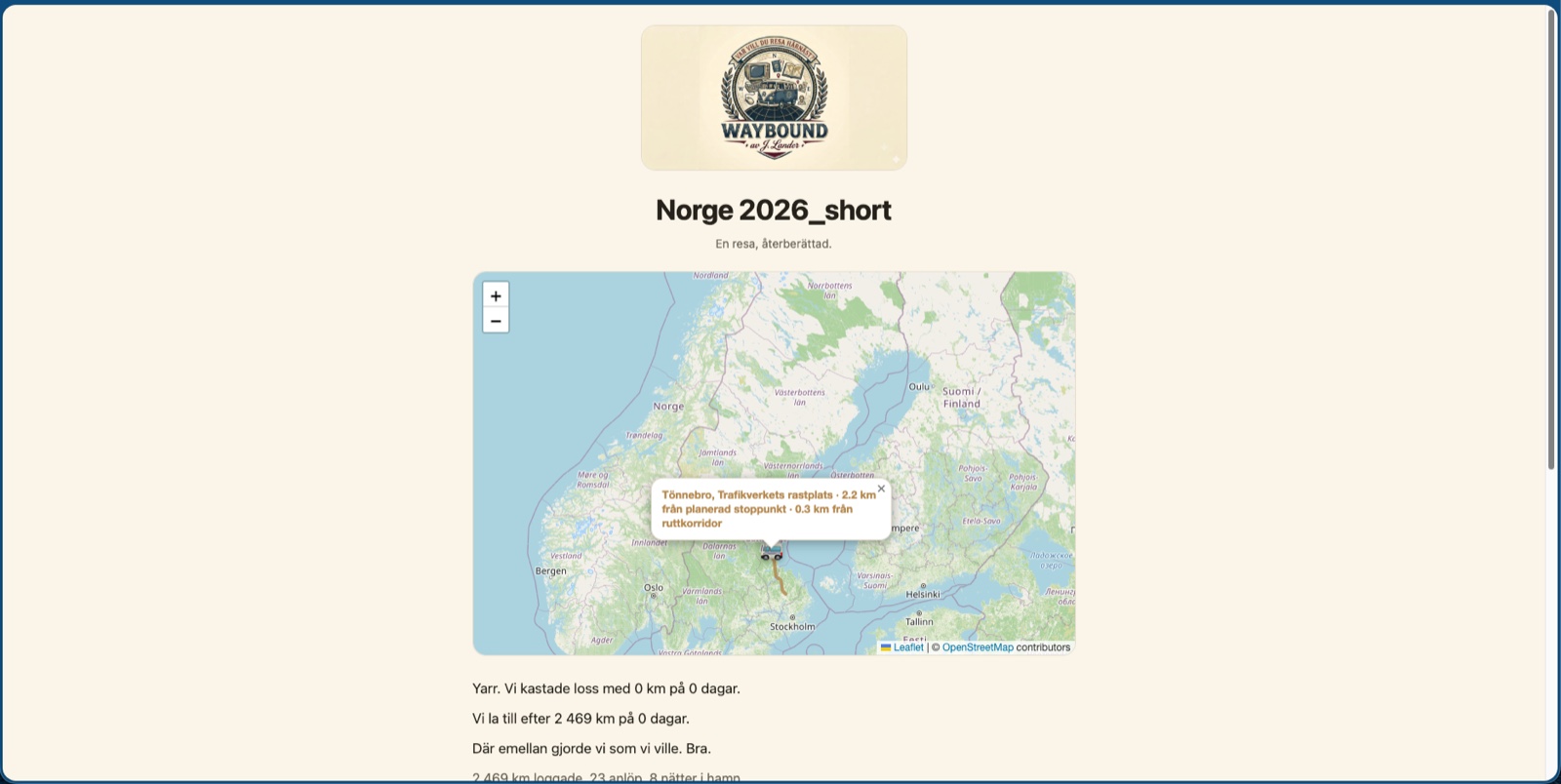
The journey, seen in the rearview mirror — told in your voice.
The gallery shows the whole suite, module by module — not just Route Planner.
Need something to take to a trade show or leave behind with someone? Use your browser's Print and choose “Save as PDF” — the page is formatted for it.